
This manual introduces the features and characteristics of the PTZM400B / PTZM400W 10x ZOOM COLOUR BLACK / WHITE 1080p HD TVI / CVI / AHD & Analogue PTZ Camera 12V DC with Intelligent IRs, including installation, use and setting.
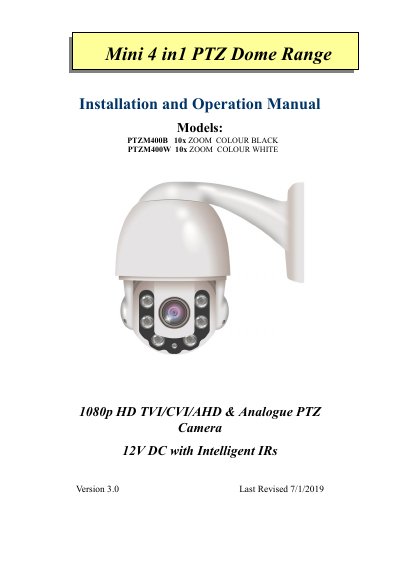
This document is the Installation and Operation Manual for the Hikvision PTZM400B (Black) and PTZM400W (White) Mini 4-in-1 PTZ cameras. These 10x zoom, 1080p HD cameras support TVI, CVI, AHD, and Analogue video formats and feature intelligent infrared systems and automatic protocol recognition.
| Power Supply | 12V DC 1.7A minimum |
|---|---|
| Operating Temperature | -20°C ~ +60°C |
| Humidity | Less than 95% |
| Pan Speed | 0.1º ~ 200° per second |
| Tilt Speed | 0.4° ~ 30° per second |
| Max Presets | 220 |
| Max Tours | 8 |
| Max Patterns | 4 |
Use a PTZ Call/Shot command setting via RS485 or Coaxitron. The command is CALL/SHOT 246 Enter + CALL/SHOT (value) Enter, where value 1 is TVI, 2 is CVI, 3 is AHD, and 4 is CVBS.
The camera requires a 12V DC power supply with a minimum current of 1.7A.
Yes, if using an Alien HD-TVI DVR with the Coaxitron feature, you can control the camera via the coaxial video cable without an RS485 connection.