
This is a user manual for VSX-6117-X-V2 DM&P Vortex86SX 300MHz Mity-Mite CPU Module with 1S/USB/LAN/GPIO 128MB DDR2 Onboard User’s Manual (Revision 1.0A), which mainly introduces the product features, specifications, installation instructions, system mapping and other information.
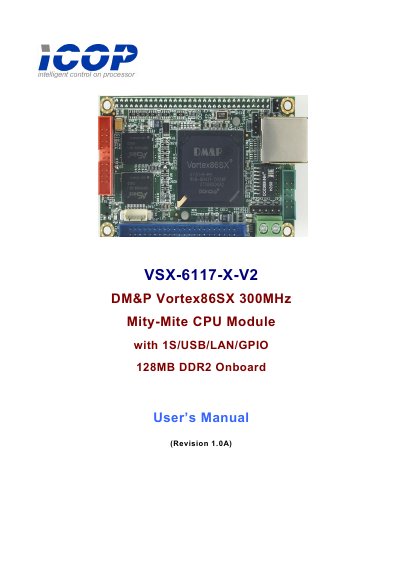
This manual provides detailed instructions for installing and configuring the VSX-6117-X-V2 Vortex86SX 300MHz Mity-Mite CPU module. It includes sections on product description, board dimensions, connector locations, pin assignments, system mapping, watchdog timer, GPIO, and SPI flash. The guide also covers driver installation for LAN, BIOS default settings, and warranty information. The module features a 300MHz Vortex86SX SoC, 128MB DDR2 memory, Ethernet, USB, and GPIO interfaces, suitable for embedded applications in industrial automation, robotics, and medical devices.
| CPU | Vortex86SX 300MHz |
|---|---|
| System Memory | 128MB DDR2 |
| Ethernet | 10/100Mbps |
| USB | 1 USB 2.0 (host) |
| GPIO | 16-bit x1 |
| Power Requirement | +5V @ 320mA |
| Operating Temperature | -20°C to +70°C |
| Dimensions | 80mm X 50mm |
| Weight | 42g |
The module features a 300MHz Vortex86SX System-On-Chip.
Press 'End' key on power-on, then press to enter AMI BIOS setup, press 'F9' to Load Optimized Defaults, and press 'F10' to Save and Exit.
The product is warranted for one year from the date of purchase.