
iKEY Premier Vehicle Alarm and Keyless Entry User Manual

iKEY Premier USER MANUAL
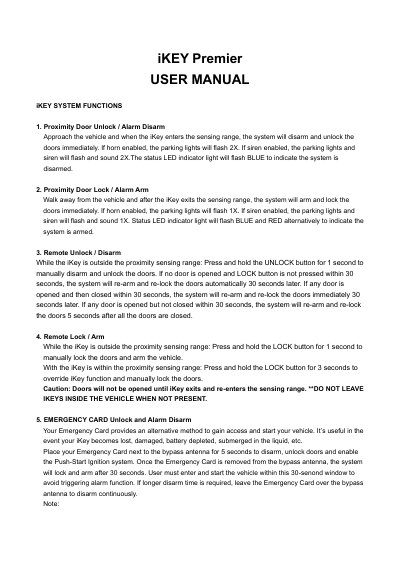

iKEY Premier Vehicle Alarm and Keyless Entry User Manual - cover page
Brand
i-Key
Category
Car parts
Document type
User Manual
Language
English
Pages
8
File format
PDF
File size
201 KB
Published
19 October, 2023
Updated
19 October, 2023
MD5 checksum
24C522EFD4F372E942D8CA861BE5F632

About this manual

The iKEY Premier system offers proximity-based door unlocking and locking, remote start capabilities, and panic functions. It supports both Tach and Tachless ignition modes for starting the vehicle. The system includes an emergency card for access when the key is lost or depleted.

What's inside

  • System Functions
  • Emergency Card
  • Remote Start
  • Start Button Operations
  • Authorization of PSB Module
  • Security & Alarm Functions
  • Ignition Controlled Door Lock/Unlock

Frequently asked questions

How do I use the emergency card to unlock the vehicle?

Place your Emergency Card next to the bypass antenna for 5 seconds to disarm, unlock doors, and enable the Push-Start Ignition system.

How do I disable the Passive Keyless Entry function temporarily?

With the ignition OFF, press and hold the LOCK and UNLOCK buttons together for 3 seconds until the horn honks.

How long does the engine run after a remote start?

Once started, the vehicle will run for 15 minutes while the parking lights remain ON.

Download PDF (201 KB)

More i-Key Manuals


View all i-Key manuals →