
Introduces the basic usage methods of SBW-97-TP keyboard, including inserting and removing the receiver, pairing the keyboard, and cleaning the keyboard
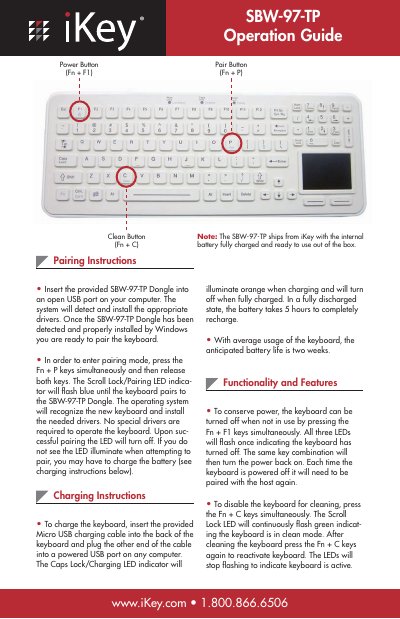
This guide explains how to pair the SBW-97-TP keyboard with a USB dongle, charge its battery, and use power-saving features. It also details cleaning mode, LED indicators, sleep mode, and signal range. The keyboard operates up to 10 meters from the host computer and requires no special drivers.
| Signal Distance | 10 meters (~30 feet) |
|---|---|
| Battery Life | Two weeks with average usage |
| Charging Time | 5 hours |
Press Fn + P to enter pairing mode; the Scroll Lock/Pairing LED will flash blue until paired. Windows will install drivers automatically.
Press Fn + F1 to turn off; all LEDs flash once. Press Fn + F1 again to turn it back on.
It indicates the keyboard is active. When in pairing mode, it flashes blue.