
INSTRUCTION MANUAL
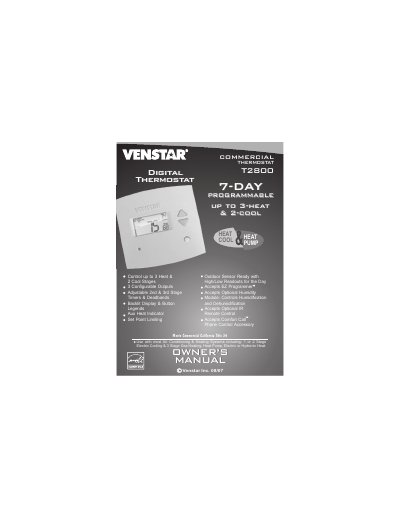
This manual guides users through setting up and operating the Venstar T2800 digital thermostat. It includes instructions for adjusting temperature settings, programming schedules, configuring fan operation, and using optional accessories like humidity modules and IR remotes. The thermostat supports multi-stage heating and cooling, 7-day programming, and backlit display for easy use.
The manual also covers advanced features such as timers, deadbands, energy-saving modes, and configuring MISC outputs. Safety and warranty information are included, along with troubleshooting tips and factory default reset procedures.
| Control Stages | up to 3-heat & 2-cool |
|---|---|
| Programming | 7-day |
| Display | Backlit |
| Compatibility | Air Conditioning & Heating Systems |
Press the MODE and HUMIDITY buttons at the same time to enter setup mode. Use the UP or DOWN buttons to adjust the time and day.
Yes, it accepts an optional humidity module to control humidification and dehumidification.
The product comes with a one-year warranty against defects in material and workmanship.