
Key facts
- Manuals
- 4
- Languages
- EN
- Last added
- 2026-11-02
Featured Venstar manuals
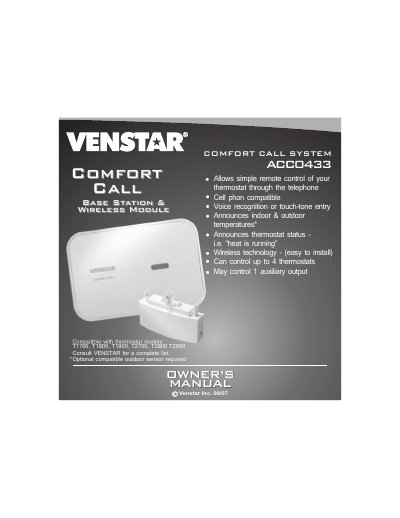
Venstar Comfort Call ACC0433 User Manual
The Venstar Comfort Call ACC0433 allows remote control of compatible thermostats through a telephone using voice recognition or touch-tone entry. It can manage up to four thermostats and includes features like announcing indoor and outdoor temperatures and controlling auxiliary outputs. Installation involves linking the base station to a thermostat via RF wireless module and connecting the base station to a telephone line.
The system requires an analog phone line and supports linking to thermostats in Auto, Heat, Cool, or Off modes. Users can set Comfort and Energy Savings settings, and control auxiliary outputs like lighting via compatible devices such as the Powerflash Interface PF284.
Covers: Installation & Setup · Resetting the Access Code · Operation · Link up to 4 Thermostats to 1 Base Station · Control of the Thermostat’s Auxiliary Output · Menu of Touch Tone Keys
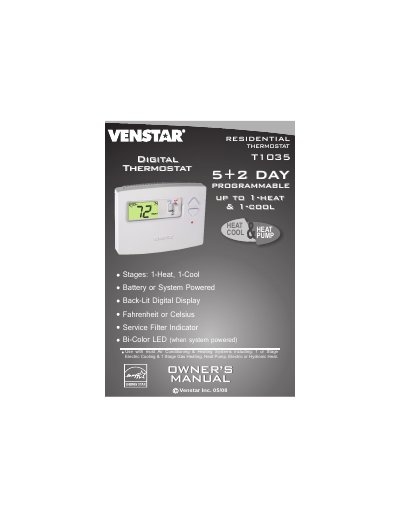
Venstar T1035 Digital Thermostat Owner's Manual
This manual guides users on operating the Venstar T1035 digital thermostat with heating and cooling systems. It supports 1-stage gas heating, heat pumps, and electric or hydronic heat. The thermostat features a back-lit digital display, programmable settings, and a bi-color LED indicator.
The device can be powered by battery or the system, and displays temperature in Fahrenheit or Celsius. It includes a service filter indicator and is designed for residential use.
Covers: Owner’s Manual · Compatibility · Display and Indicators · Programmable Settings · Power Options
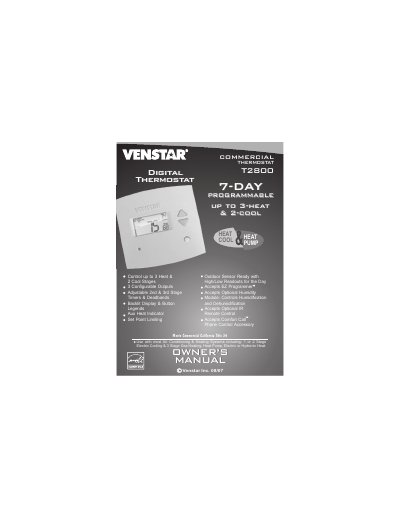
Venstar T2800 Digital Thermostat User Manual
This manual guides users through setting up and operating the Venstar T2800 digital thermostat. It includes instructions for adjusting temperature settings, programming schedules, configuring fan operation, and using optional accessories like humidity modules and IR remotes. The thermostat supports multi-stage heating and cooling, 7-day programming, and backlit display for easy use.
The manual also covers advanced features such as timers, deadbands, energy-saving modes, and configuring MISC outputs. Safety and warranty information are included, along with troubleshooting tips and factory default reset procedures.
Covers: Quick Start · Getting to Know Your Thermostat · Setting Clock and Day · Basic Operation · Programming the Daily Schedule · Programming the Fan Operation
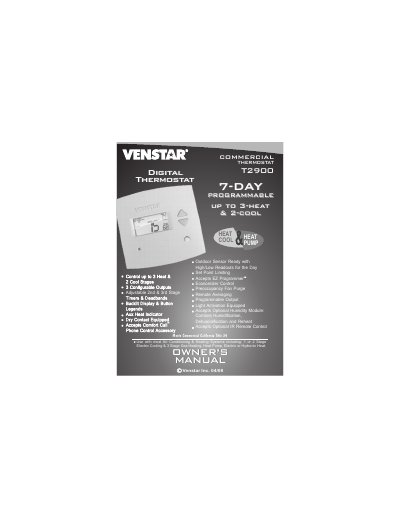
Venstar T2900 Programmable Thermostat Owner's Manual
The Venstar T2900 is a commercial programmable thermostat designed for use with most air conditioning and heating systems, including 1 or 2 stage electric cooling, 3 stage gas heating, heat pumps, and hydronic heat. It supports up to three heat stages and two cool stages with configurable outputs, timers, and deadbands. The device features a backlit display, button legends, and accepts optional accessories such as humidity modules and IR remote controls.
Covers: Quick Start · Getting to Know Your Thermostat · Basic Operation · Programming the Daily Schedule · Humidification and Dehumidification · Timers and Deadbands
Latest Venstar manuals
Venstar Comfort Call ACC0433 User Manual
User Manual 24 pages · 3.8 MB · ENOwner's manual for Venstar Comfort Call ACC0433, enabling remote thermostat control via phone with voice or touch-tone.
Venstar T1035 Digital Thermostat Owner's Manual
User Manual 1 pages · 1.1 MB · ENOwner's manual for Venstar T1035 digital thermostat, compatible with various heating and cooling systems.
Venstar T2800 Digital Thermostat User Manual
User Manual 88 pages · 2.1 MB · ENUser manual for Venstar T2800 digital thermostat, covering setup, programming, and operation for heating and cooling systems.
Venstar T2900 Programmable Thermostat Owner's Manual
User Manual 112 pages · 2.1 MB · ENThis manual covers the operation, installation, and programming of the Venstar T2900 commercial programmable thermostat for heating, cooling, and heat pump…
Which document do I need?
User Manual
Day-to-day operation, settings and troubleshooting. Start here if the product is already set up.
Questions answered in Venstar manuals
How many thermostats can the Comfort Call ACC0433 control?
It can control up to four thermostats.
What is the default security access code?
The default security access code is 1111.
What types of heating and cooling systems is this thermostat compatible with?
This thermostat works with most air conditioning and heating systems, including 1 or stage electric cooling, 1 stage gas heating, heat pumps, and electric or hydronic heat.
What are the heating and cooling stages supported by this model?
The T1035 supports one stage for heating and one stage for cooling.
How do I set the clock and day on the thermostat?
Press the MODE and HUMIDITY buttons at the same time to enter setup mode. Use the UP or DOWN buttons to adjust the time and day.
Can I control humidity with this thermostat?
Yes, it accepts an optional humidity module to control humidification and dehumidification.