
Owner's manual for Venstar Comfort Call ACC0433, enabling remote thermostat control via phone with voice or touch-tone.
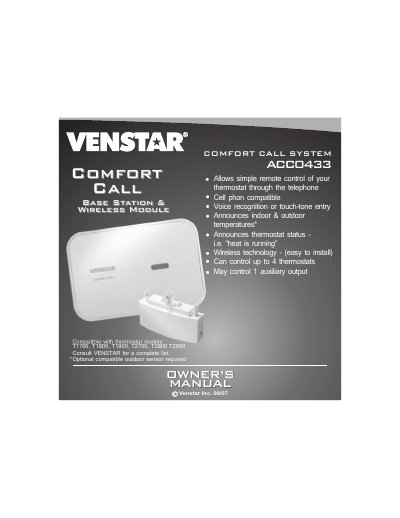
The Venstar Comfort Call ACC0433 allows remote control of compatible thermostats through a telephone using voice recognition or touch-tone entry. It can manage up to four thermostats and includes features like announcing indoor and outdoor temperatures and controlling auxiliary outputs. Installation involves linking the base station to a thermostat via RF wireless module and connecting the base station to a telephone line.
The system requires an analog phone line and supports linking to thermostats in Auto, Heat, Cool, or Off modes. Users can set Comfort and Energy Savings settings, and control auxiliary outputs like lighting via compatible devices such as the Powerflash Interface PF284.
It can control up to four thermostats.
The default security access code is 1111.
Compatible thermostats include models T1700, T1800, T1900, T2700, T2800, T2900.