
This manual describes how to use and care for your Goldair Platinum Dehumidifier.
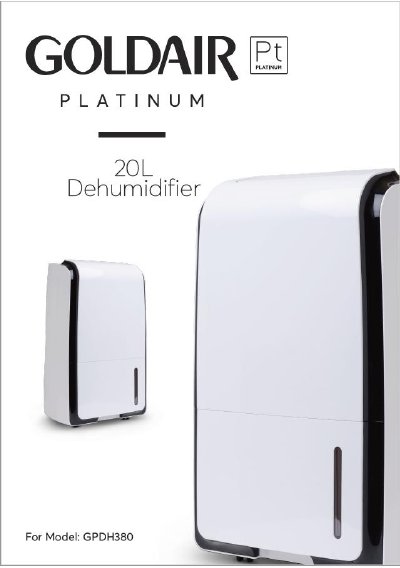
This manual provides safety guidelines and operating instructions for the Goldair Platinum Dehumidifier. It covers setup, control panel functions, timer settings, and water tank management. Safety precautions include keeping the unit away from flammable materials, avoiding coverings, and unplugging when cleaning. Maintenance involves regular cleaning of air vents and filters, and proper storage to prevent damage or fire hazards.
The dehumidifier offers automatic and continuous dehumidification modes with adjustable fan speeds. It includes a defrost function for low-temperature operation and a swing feature for air distribution. Permanent water drainage is possible with an external PVC tube, but requires proper installation to avoid flooding.
Press the “〈” or “〉” key to choose your humidity setting between 50-70% in automatic dehumidification mode.
A buzzer will sound 10 times and the water full symbol will appear on the LCD. The dehumidifier stops and the louver closes.