
This document is the operating instructions of GOLDAIR 30CM Desk Fan, which introduces the product's usage methods and precautions.
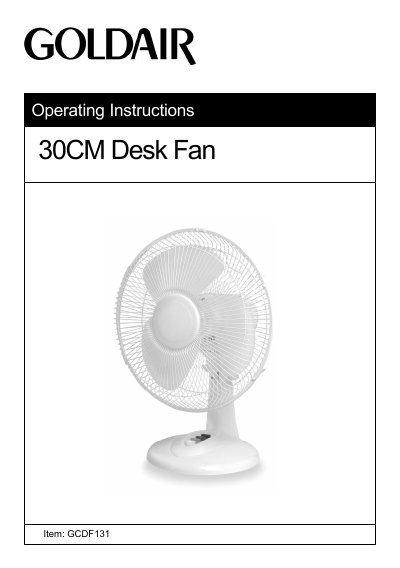
This manual provides operating instructions for the Goldair GCDF131 30CM desk fan. It details the assembly process, including attaching the base surround, rear guard, and fan blade. The guide explains how to operate the fan using the control switch for speed and oscillation functions.
| Model No | GCDF131 |
|---|---|
| Power Supply | 220V-240V / 50Hz |
| Power | 40W |
Push down the oscillation pin on the top of the motor; the fan will oscillate until the pin is pulled back up.
The product is guaranteed for a period of one year from the date of purchase against defects in workmanship and materials.