
This is a Goldair Platinum Series 30cm Desk Fan, model GPDF30S.
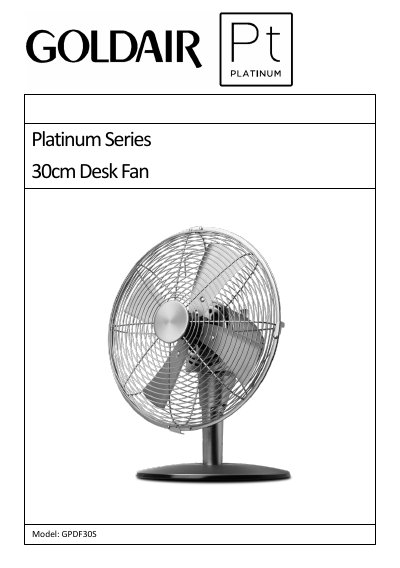
This manual provides instructions for the Goldair Platinum Series 30cm Desk Fan, model GPDF30S. It details the assembly process, including securing the motor housing, installing the fan blade, and attaching the grills. The document also explains how to operate the fan using the control switch for speed and oscillation, as well as how to adjust the tilt.
| Supply Voltage | 220 - 240VAC 50Hz |
|---|---|
| Wattage | 45W |
The control switch positions are 0 for Off, 1 for Low speed, 2 for Medium Speed, and 3 for High Speed.
To activate oscillation, push down the oscillation pin on the top of the motor; the fan will oscillate until the pin is pulled back up.
The product is warranted for two years in normal domestic use, or three months for non-domestic use.