
This manual provides information on the system description, installation, operation, maintenance, troubleshooting, specifications, parts and accessories, and warranty for Geotech 4-20mA Display.
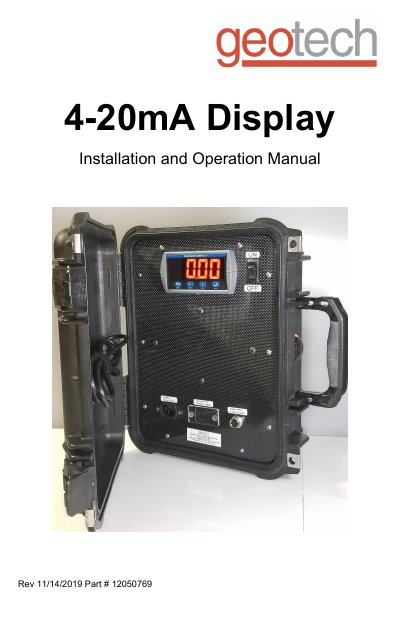
This manual provides step-by-step instructions for installing and operating the Geotech 4-20mA Display. It covers wiring the transducer, setting display units (PSI or feet), and programming the display through its menu system. The display is designed for harsh environments and features a sunlight-readable LED screen. Maintenance includes cleaning and battery care, with specifications for operating temperature and power options.
| Display Digit Height | .56”, 4 digits, red LED (14.2mm) |
|---|---|
| Display Category | LED, Single Line |
| Operating Temperature Range | 32°F - 149°F (0°C - 65°C) |
| Power | 85-265 VAC, 90-265 VDC |
| Output Options | 4-20 mA Input Current (4-20 mA), Voltage (0-10 V) Thermocouple, RTD |
| Accuracy | +/- 1% |
| Display Intensity | 8 user-selectable intensity levels |
| Enclosure Dimensions | 6 x 13.4 x 11.6 in. (18 x 48 x 35 cm) |
| Battery Performance @ 70°F | 12V 9AH |
| Internal Battery Life (2x 9V, alkaline) | 30,000 cycles |
To set the display to PSI, enter the max PSI rating on the sensor. To show feet, calculate FtMax = 2.31 x (Pressure rating) and set the display to that value.
The battery lasts approximately 8 hours of operation. It can be recharged by plugging in the power cable until the charging light turns green.
The display operates between 32°F and 149°F (0°C to 65°C).