
Garmin Approach S20 Golf GPS Watch Owner's Manual

Approach ® S20 Owner’s Manual, introduces the product's features and characteristics, including use methods and safety instructions.
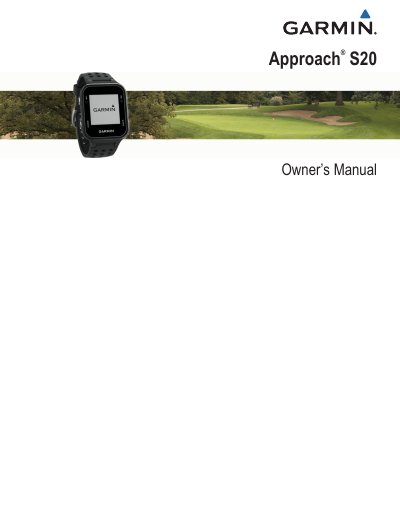

Garmin Approach S20 Golf GPS Watch Owner's Manual - cover page
Brand
Garmin
Category
Other
Document type
User Manual
Language
English
Pages
9
File format
PDF
File size
2 MB
Published
18 October, 2023
Updated
18 October, 2023
MD5 checksum
1CB8F9C0E3E34793AB6C37EFD14D29C3

About this manual

The Garmin Approach S20 is a golf GPS watch designed to assist players with course navigation and shot tracking. The device features a touchscreen interface with keys for navigation and includes functions such as Hole View, which displays distances to the front, middle, and back of the green, as well as the ability to move the pin location for precision.

What's inside

  • Getting Started
  • Keys
  • Turning On the Device
  • Status Icons
  • Charging the Device
  • Playing Golf
  • Hole View
  • Moving the Pin
  • Viewing Measured Shots
  • Garmin Golf App

Specifications

Satellite acquisition time30 to 60 seconds

Frequently asked questions

How do I turn on the backlight?

Press and hold the OK key during play to turn on the backlight.

Does the device detect putts?

No, automatic shot detection does not detect putts.

How do I move the pin location on the screen?

Select Move Flag, then use the UP or DOWN keys to adjust the pin position.

Download PDF (2 MB)

More Garmin Manuals


View all Garmin manuals →