
GDU 1500 Installation Manual, introduces the installation method, precautions and other information of GDU 1500
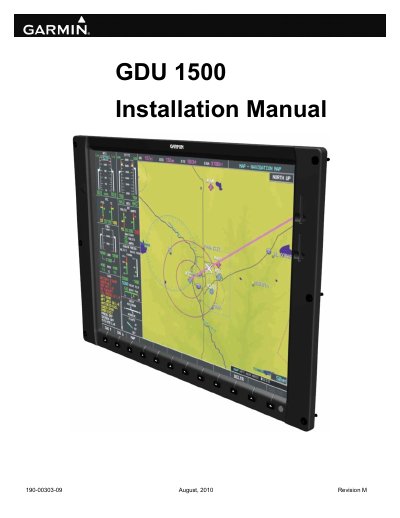
This manual provides detailed instructions for installing the Garmin GDU 1500, a central display unit for Garmin Integrated Flight Decks. It covers mechanical and electrical installation requirements, including wiring harness installation, mounting with ¼ turn fasteners, and interfacing with compatible avionics. The guide also addresses environmental specifications, certification compliance, and post-installation configuration. The GDU 1500 can function as either a Multi Function Display (MFD) or Primary Flight Display (PFD), depending on configuration.
| Width | 14.90 inches (37.85 cm) |
|---|---|
| Height | 10.74 inches (27.28 cm) |
| Depth | 4.45 inches (11.30 cm) |
| Weight (without connector kit) | 8.40 lbs. (3.8 kg) |
| Operating Temperature Range | -40°C to +55°C |
| Humidity | 95% non-condensing |
| Altitude Range | -1,500 ft to 55,000 ft |
| Power Requirements | 28 Vdc |
| Software Compliance | RTCA/DO-178B levels A, B, C, and D |
| Hardware Compliance | RTCA/DO-254 Level A |
| Environmental Compliance | RTCA/DO-160E |
8.40 lbs. (3.8 kg)
-40°C to +55°C
ARINC 429, RS-232, and Ethernet communications interfaces.
28 Vdc