
This manual introduces the use of the Colorado series GPS navigator
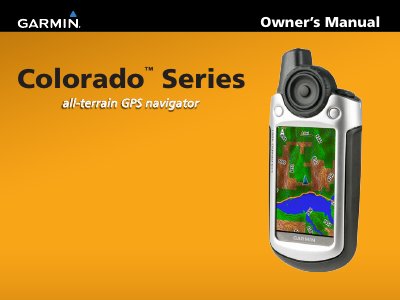
This document serves as the Owner's Manual for the Garmin Colorado Series of GPS navigators, specifically covering the Colorado 300, 400i, 400c, and 400t models. It details the device's features, including world base maps, optional U.S. mapping, and specialized applications like Geocaching and Wherigo. The guide explains how to install batteries, turn the device on and off, and use the Rock 'n Roller interface for navigation.
| Power Source | Two AA batteries |
|---|---|
| Battery Types | Alkaline, NiMH, or lithium |
| Document Date | December 2008 |
The Colorado operates on two AA batteries, which can be alkaline, NiMH, or lithium.
Press and hold the Power key until the Garmin logo appears on the device.
You can visit the Garmin Web site at www.garmin.com for the latest free software updates.