
APPROACH ® S60 User Manual
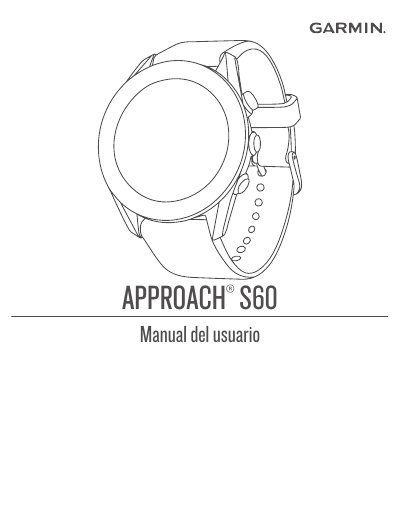
This manual provides step-by-step instructions for setting up and using the Garmin Approach S60 golf GPS device. It covers connecting your smartphone, charging the device, configuring settings, and using golf-specific features like distance measurement and TruSwing metrics. It also includes sections on activity tracking, connectivity options, and troubleshooting.
The manual is designed for users who want to fully utilize the device’s capabilities, including golf course navigation, performance tracking, and integration with Garmin Connect and other apps. This manual is written in Spanish.
A completely discharged battery takes approximately four hours to charge.
Hold the action button to turn on the device.
Press the action button to start an activity.