
This manual describes how to use the GARMIN DASH CAM™ TANDEM, including mounting, connecting, recording, and playing.
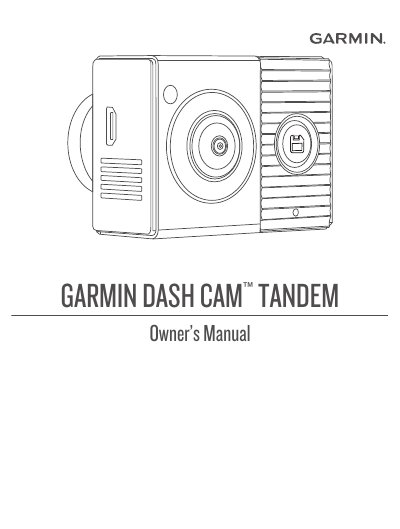
This manual guides users through installing and operating the Garmin DASH CAM™ TANDEM dash camera. It covers mounting the camera on the windshield, connecting it to vehicle power, pairing it with a smartphone via the Garmin Drive app, and managing recordings. It also includes instructions for formatting memory cards, cleaning lenses, and troubleshooting common issues like blurry footage or memory card errors.
The camera features dual lenses for recording both the road ahead and the vehicle cabin. It supports Wi-Fi and Bluetooth connectivity, voice control, and multi-camera networks. The manual provides detailed steps for setting up the device, adjusting settings, and managing video files, including exporting and editing clips.
| Model Number | A03817 |
|---|---|
| IC Number | 1792A-03817 |
| Memory Card Format | FAT32 |
| Operating Temperature | 21° to 38°C (70° to 100°F) |
Install the Garmin Drive app, connect the camera to power, place the camera and phone within 3 m (10 ft.), open the app, and follow the on-screen instructions to pair the device.
Replace the memory card. The manual advises replacing the card if it degrades or underperforms.
Connect the camera to power, hold the button for eight seconds until the status LED flashes green, then wait for formatting to complete.
No, using a vehicle USB port may not provide enough power and may cause the camera to enter USB mass storage mode, preventing recording or smartphone connection.