
This document is the user manual for V11X/21X series marine VHF transceivers, which mainly introduces the usage methods and precautions of the transceivers.
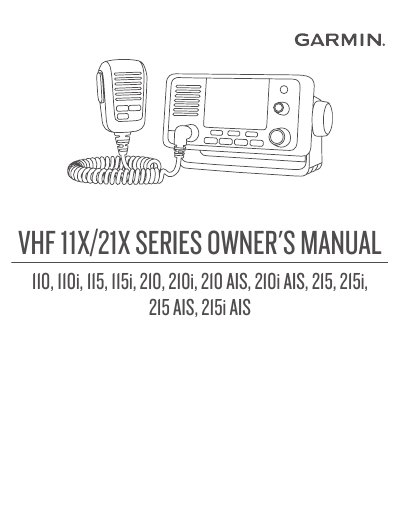
This manual covers the operation and configuration of Garmin's V11X/21X series marine VHF transceivers, including models like 110, 115, 210, and 215. It explains how to turn the device on and off, adjust volume and squelch, select frequency bands, and transmit or receive on various channels. It also details features such as Digital Selective Calling (DSC), Automatic Identification System (AIS), NOAA weather alerts, and position tracking. The manual includes sections on system settings, channel scanning and saving, and troubleshooting.
The device supports multiple frequency bands (USA, International, Canadian), and features like automatic channel changing, ATIS, and NMEA 0183/2000 compatibility. It also explains how to use the intercom feature between GHS 11 handsets and how to manage saved channels and call logs. Safety and regulatory information is referenced in the introduction.
Press the VOL/SQ dial to display SQUELCH, then turn the dial clockwise until there is no background noise.
Select SCAN, turn the SELECT dial to find the channel, then select SAV CH.
Hold the PWR button to turn the device on or off.