
This Help Guide provides information on the more common problems experienced with the Fujikura FSM-70S Fusion Splicer and Cleaver, and the recommended solutions.
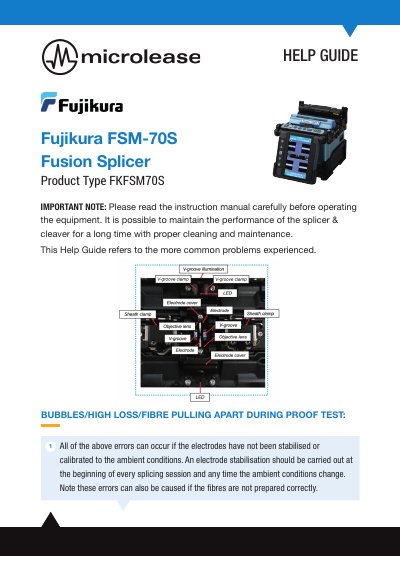
This guide addresses common issues users may encounter with the Fujikura FSM-70S fusion splicer and cleaver, such as bubbles, high loss, fiber pulling apart, dusty fiber, motor overrun, and dirt. It provides troubleshooting steps including electrode stabilization, fiber preparation, cleaning, and adjusting splice mode. Solutions include swapping sheath clamps, stripping fibers properly, and cleaning the splice area regularly.
The guide also advises users to consult go.microlease.com/resources for further assistance and to set the splicer to Full Auto if unsure of fiber type to avoid mode mismatch errors.
You may have the wrong splice mode selected; set the splicer to Full Auto if unsure of fiber type.
This error means fibers are not moving with sheath clamps; solutions include swapping standard sheath clamps with loose tube sheath clamps and ensuring fibers are stripped far enough back.
Dirt is by far the most common cause of problems when splicing.