
This manual introduces the use of the EzScan dental scanner.
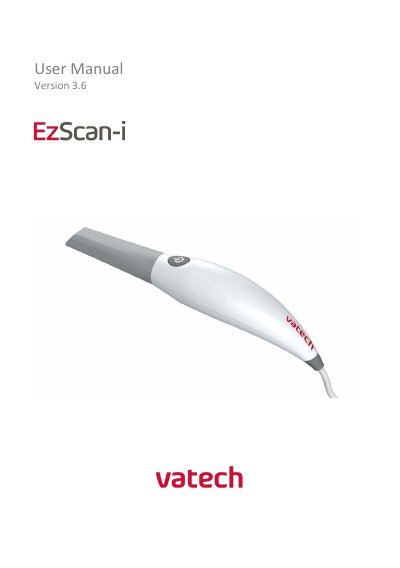
This manual guides users through installing, calibrating, and operating the Vatech EzScan intraoral scanner. It covers scanning workflows, bite alignment, case management, and troubleshooting. The scanner is designed for dental use, creating digital impressions for restorative prosthetics. Maintenance and safety guidelines are also included.
The manual details hardware components like the scanner, base, and autoclavable tips, and software components including EzScan-i and EzScanCloud. System requirements and specifications are provided, including dimensions, power, and scanning capabilities. Support and warranty information are outlined for post-purchase assistance.
| Scanner Type | Hand-held (chairside) scanner that creates optical impressions for dental restorations |
|---|---|
| Design | Compact, lightweight, ergonomic – designed to be operated with little physical effort |
| Dimensions (Base) | L 306mm, W 98mm, H 72mm |
| Scanner Weight | 150 grams |
| Cable Length | 2m |
| Power Requirement | DC 5.0V / 4A |
| Scanner Tip Reusability | Reusable up to 250 times |
| Scanning Frequency | 25-30 FPS |
| Imaging Field-of-View | 12mm x 14mm |
| Sensor Technology | CMOS Color Scanning 24-bit (8-bit per channel) |
The EzScan is an optical impression system used to record the topographical characteristics of teeth, dental impressions, or stone models for use in the computer-aided design (CAD) and computer-aided manufacturing (CAM) of dental restorative prosthetic devices.
The base size is L 306mm, W 98mm, H 72mm.
The scanner tip is reusable up to 250 times.
The power requirement is DC 5.0V / 4A.