
Key facts
- Manuals
- 3
- Languages
- EN
- Last added
- 2023-10-18
Featured Vatech manuals
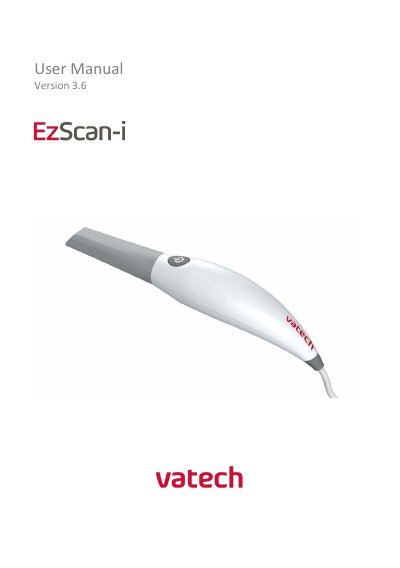
Vatech EzScan User Manual
This manual guides users through installing, calibrating, and operating the Vatech EzScan intraoral scanner. It covers scanning workflows, bite alignment, case management, and troubleshooting. The scanner is designed for dental use, creating digital impressions for restorative prosthetics. Maintenance and safety guidelines are also included.
The manual details hardware components like the scanner, base, and autoclavable tips, and software components including EzScan-i and EzScanCloud. System requirements and specifications are provided, including dimensions, power, and scanning capabilities. Support and warranty information are outlined for post-purchase assistance.
Covers: Introduction · Hardware Components · Software Components · System Requirements and Specifications · Installing and Connecting the EzScan · Scanning with EzScan
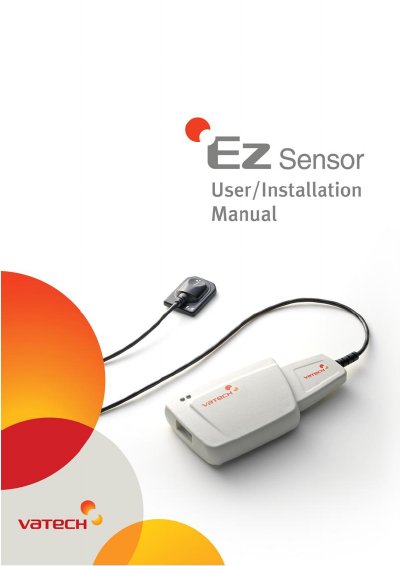
VATECH EzSensor Intraoral Imaging System User Manual
This manual provides instructions for installing and operating the EzSensor, a digital intraoral imaging system for dental radiography. It includes hardware setup, software installation (EasyDent), safety precautions, maintenance, and troubleshooting. The device uses advanced CMOS technology for high-quality images and is designed for use by dentists only. Safety warnings cover electrical, water, and explosion hazards, and compliance with IEC 60601-1 and CE MDD 93/42/EEC standards is required.
Covers: System Description · Hardware Installation · Software Installation · Maintenance · Warranty · LED Indicators
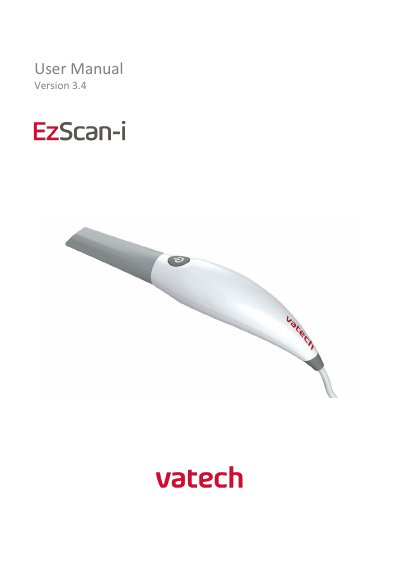
Vatech EzScan IOS-FPM-71-007 User Manual
The Vatech EzScan is a handheld optical impression system designed for dental restorations and analysis. This user manual guides users through the system's introduction, intended use, and components included in the box. It details the system requirements, including specific computer hardware and software specifications needed for operation.
The document provides step-by-step instructions for setting up the scanner, connecting to the software, and performing scans of the maxillary and mandibular arches. It also covers the scanning workflow, quality control tools, and how to communicate scan data to dental laboratories via EzScanCloud. Additionally, the manual outlines safety guidelines, cleaning and sterilization procedures for reusable tips, and warranty information.
Covers: Introduction · Indications supported · System Requirements · Setting up the EzScan solution · Getting Started With EzScan · Before You Scan
Latest Vatech manuals
Vatech EzScan User Manual
User Manual 100 pages · 3.4 MB · ENUser manual for Vatech's EzScan intraoral scanner, covering setup, scanning, calibration, and maintenance.
VATECH EzSensor Intraoral Imaging System User Manual
User Manual 56 pages · 3.3 MB · ENUser manual for VATECH's EzSensor digital dental X-ray imaging system, covering installation, operation, safety, and maintenance.
Vatech EzScan IOS-FPM-71-007 User Manual
User Manual 70 pages · 2.2 MB · ENThis manual provides instructions for the Vatech EzScan intraoral scanner, covering setup, scanning procedures, software compatibility, and maintenance.
Which document do I need?
User Manual
Day-to-day operation, settings and troubleshooting. Start here if the product is already set up.
Questions answered in Vatech manuals
What is the EzScan used for?
The EzScan is an optical impression system used to record the topographical characteristics of teeth, dental impressions, or stone models for use in the computer-aided design (CAD) and computer-aided manufacturing (CAM) of dental restorative prosthetic devices.
What are the dimensions of the EzScan base?
The base size is L 306mm, W 98mm, H 72mm.
What is the EzSensor used for?
The EzSensor is a digital X-ray imaging system designed specifically for dental radiography within the oral cavity.
What operating systems are supported?
The EzSensor supports Microsoft Windows XP 32bit, Windows Vista 32bit, and Windows 7 32bit.
What file formats does the EzScan output?
The EzScan outputs files in STL, PLY, and OBJ formats.
How many times can the scanner tip be reused?
The scanner tip is reusable up to 250 times when sterilized using a steam autoclave.