
This document is the EzScan user manual, which introduces the features, uses, and usage methods of EzScan.
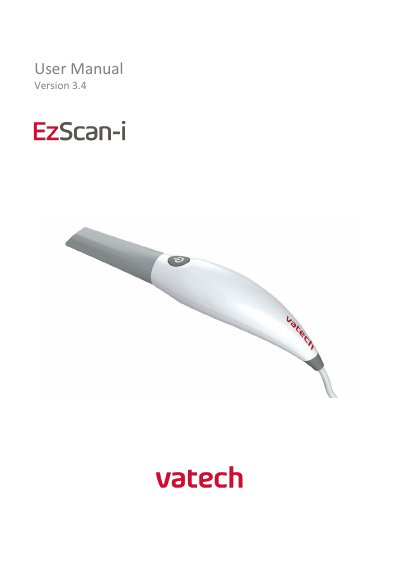
The Vatech EzScan is a handheld optical impression system designed for dental restorations and analysis. This user manual guides users through the system's introduction, intended use, and components included in the box. It details the system requirements, including specific computer hardware and software specifications needed for operation.
The document provides step-by-step instructions for setting up the scanner, connecting to the software, and performing scans of the maxillary and mandibular arches. It also covers the scanning workflow, quality control tools, and how to communicate scan data to dental laboratories via EzScanCloud. Additionally, the manual outlines safety guidelines, cleaning and sterilization procedures for reusable tips, and warranty information.
| Scanner Weight | 150 grams |
|---|---|
| Power Requirement | DC 5.0V / 4A |
| Scanning Frequency | 25-30 FPS |
| Imaging Field of View | 12mm x 14mm |
| Output File Format | STL, PLY, OBJ |
| Operating System | Windows 10 |
| Minimum RAM | 16 GB |
| Minimum CPU | Intel i7 - 4 Cores |
| Tip Reusability | up to 250 times |
The EzScan outputs files in STL, PLY, and OBJ formats.
The scanner tip is reusable up to 250 times when sterilized using a steam autoclave.
Yes, the system is compatible with most Dental CAD systems due to its open architecture.