
This user's guide introduces the operation of the Eye-Pal® Vision Scanning and Reading Appliance.
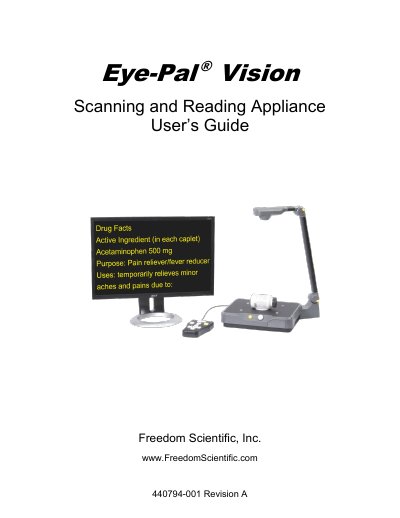
This user’s guide explains how to assemble, operate, and maintain the Eye-Pal Vision scanning and reading appliance. It covers powering on and off, adjusting volume, using front panel and keypad controls, reading text, saving pages, connecting headphones, and traveling with the device. Safety guidelines and troubleshooting tips are also included.
The device reads printed material aloud and magnifies text. It can be operated via front panel buttons, hidden controls, motion activation, or a keypad. The guide provides step-by-step instructions for each method and includes tips for optimal performance and device care.
Hold in the small round power button located in the center of the front panel.
Turn the big round knob to the right of the power button, clockwise to increase volume.
Yes, but only with pin audio jack headphones; USB headphones are not compatible.
Hold down the Save button and one of the Arrow buttons at the same time. You will hear, “Image saved.”