
Eutech EC 1720 Conductivity Meter User Manual is a Eutech's user manual for an electrochemical instrument. It mainly introduces the instrument's use method, instrument's functional characteristics, instrument's safety use methods, etc.
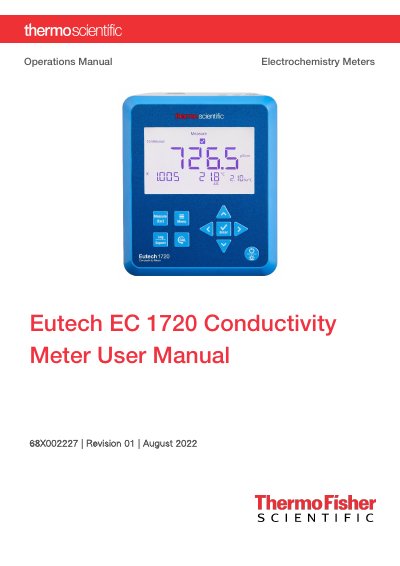
The Eutech EC 1720 is a bench laboratory meter designed for routine measurements of conductivity, salinity, or total dissolved solids (TDS) simultaneously with temperature. It features a large backlit display and includes a meter-attached electrode holder and a universal power supply adapter.
| Measurement Capabilities | conductivity, salinity or total dissolved solids (TDS) simultaneously with temperature |
|---|---|
| Data Log Capacity | 500 points |
| Power Input | 100-240V 50/60 Hz |
No, this device is not a Medical Device and is not intended to diagnose, treat, cure, or prevent disease.
It is recommended to use a surge protector or uninterrupted power supply (UPS) to prevent damage from power surges.
Press and hold the Mode Shortcut Key ( or ) for approximately three seconds in the main measure mode.