
This product is EverFocus EHN series vandal proof IP dome camera, 10x optical zoom, auto focus, true day/night, WDR, IP68, IK10.
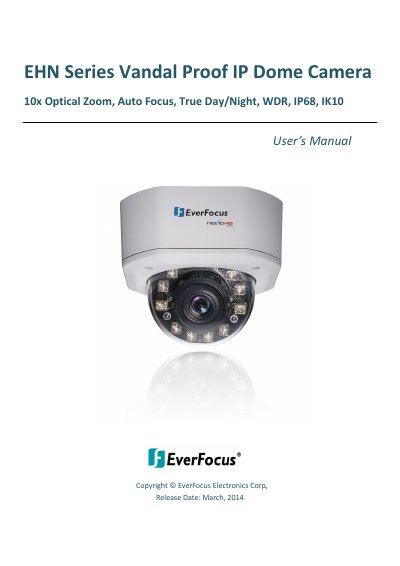
This manual covers installation, network setup, live viewing, playback, and system settings for the EverFocus EHN3261/3361 IP dome cameras. It includes safety precautions, physical descriptions, feature details, and troubleshooting. The cameras support H.264, MPEG4, and MJPEG streams, offer 10x optical zoom, and are compatible with ONVIF/PSIA standards. They can be powered via 12VDC or PoE and include built-in SDHC card slots and two-way audio. The manual also provides guidance for remote access via mobile apps or CMS systems.
| Megapixel | 2 MP (EHN3261) / 3 MP (EHN3361) |
|---|---|
| Optical Zoom | 10x |
| WDR | Yes |
| IP Rating | IP68 |
| Vandal Protection | IK10 |
| Resolution | 2048 x 1536 (EHN3361) |
| Power Source | 12 VDC / PoE |
| Night Vision | Up to 40 meters |
| Operating Temperature | -40°C ~ 55°C / -40°F ~ 131°F |
| Video Output | BNC |
The EHN series includes models EHN3261 (2 MP) and EHN3361 (3 MP).
Connect the camera to a 10/100 Ethernet or PoE network using the LAN/PoE port.
The EHN3261 supports up to 30 fps at 1920 x 1080, while the EHN3361 supports up to 30 fps at 2048 x 1536.