
Spidertracks S2 Hardware Instruction Manual

Spidertracks is the world’s favorite satellite tracking solution. This is a Spidertracks hardware instruction manual
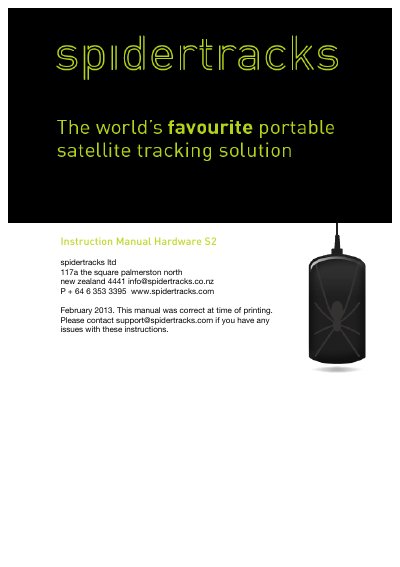

Spidertracks S2 Hardware Instruction Manual - cover page
Brand
Spidertracks
Category
GPS
Document type
User Manual
Language
English
Pages
4
File format
PDF
File size
1.5 MB
Published
18 October, 2023
Updated
18 October, 2023
MD5 checksum
37F641610DFACEC39B05FAE28656F4BE

About this manual

The Spidertracks S2 is a satellite-based tracking solution that combines satellite communication and GPS technology. It is designed to provide real-time tracking for aircraft and vehicles, enhancing safety and productivity. The device requires a clear view of the sky for optimal performance and should be mounted securely on the instrument panel or dashboard.

What's inside

  • Installing your Spider
  • Powering the Spider
  • Installing your keypad
  • Using spidertracks
  • Monitor function
  • Alert function

Frequently asked questions

What is the minimum distance required between the Spider and a person?

The Spider is not subject to Specific Absorption Rate testing, but you should place it no less than 200mm from a person.

What voltage range is required for the supplied power lead?

The supplied power lead plugs into a vehicle power supply that provides 10-32 volt DC.

How long does it typically take to secure a GPS fix after the first power-up?

The first time you power up the unit, it may take a few minutes to secure a GPS fix.

Download PDF (1.5 MB)

More Spidertracks Manuals


View all Spidertracks manuals →