
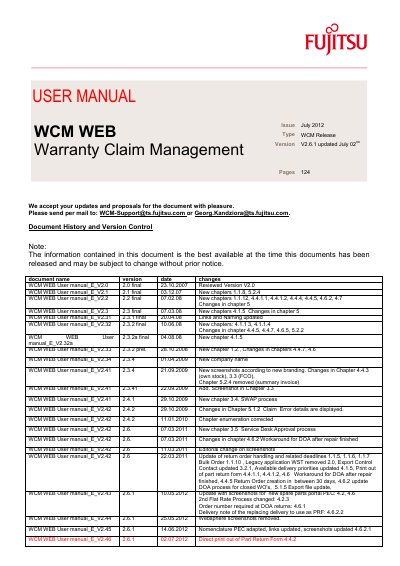
Fujitsu WCM WEB Warranty Claim Management Tool User Manual

WCM WEB User manual


Fujitsu WCM WEB Warranty Claim Management Tool User Manual - cover page
Brand
Fujitsu
Category
Other software
Document type
User Manual
Language
English
Pages
124
File format
PDF
File size
5.9 MB
Published
18 October, 2023
Updated
18 October, 2023
MD5 checksum
BC333F392CBD5A7604545FE84B492E2A

About this manual

The Fujitsu WCM WEB tool combines the functionality of call assignment, spares ordering, and warranty claiming into a single web interface. This manual guides users through the main components of the tool, following the logical order of the Status-Points found in the WCM-Interface. Key features include the generation of unique Work Order numbers and the use of an Encrypted Failure Description (Error Code System) for pre-diagnostics and spare part selection.

What's inside

  • Introduction
  • Registration and Settings
  • Call Entries
  • SWAP Process
  • Service Desk Approval Process
  • Call Processing
  • Ordering Spare Parts
  • Repair Process
  • Returning Spare Parts
  • Claiming and Invoicing

Frequently asked questions

What is the WCM WEB tool used for?

It combines call assignment, spares ordering, and warranty claiming.

What is the format of the Work Order number in WCM WEB?

It is a 12-digit number starting with 99.

What is required when opening a call in WCM WEB?

The Error Code System is mandatory in the Call opening file.

Download PDF (5.9 MB)

More Fujitsu Manuals


View all Fujitsu manuals →