
Explains how to use the Neo-Flex™ Notebook Lift Stand
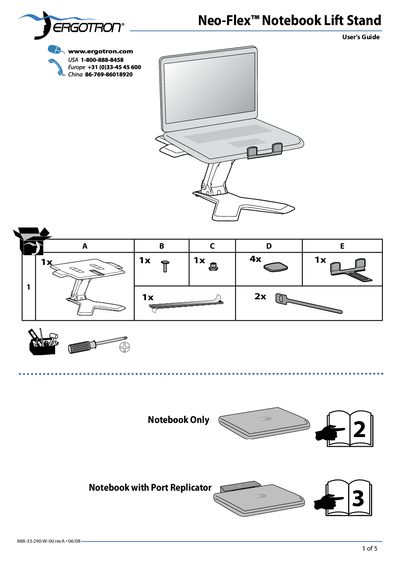
This guide explains how to properly set up and adjust the Neo-Flex Notebook Lift Stand for use with notebooks or notebooks with port replicators. It includes instructions for centering equipment, adjusting tension, and troubleshooting common issues like improper movement or weight capacity problems.
The stand supports a weight range of 3.5–14 lbs (1.6–6.4 kg) and allows for adjustable lift, pan, and tilt movements. Tension can be adjusted by turning the screw clockwise or counterclockwise, with a note that multiple turns may be needed to notice a change.
| Weight Capacity | 3.5 - 14 lbs (1.6 - 6.4 kg) |
|---|---|
| Lift Range | Up and down |
| Pan Range | +15˚ -25˚ |
| Tilt Range | Forward and Backward |
The stand supports a weight range of 3.5–14 lbs (1.6–6.4 kg).
The weight capacity is 3.5 - 14 lbs (1.6 - 6.4 kg).
The tilt range is forward and backward.
Turn the screw clockwise to increase tension or counterclockwise to decrease it.