
Key facts
- Manuals
- 1
- Languages
- EN
- Last added
- 2012-01-17
Featured Neo-Flex manuals
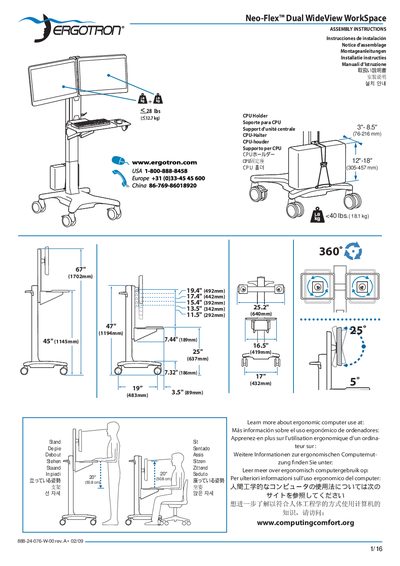
Ergotron Neo-Flex Dual WideView WorkSpace Installation Guide
This manual provides step‑by‑step assembly instructions for the Neo‑Flex Dual WideView WorkSpace, including how to attach the CPU holder, use the 5‑sided security wrench, and secure the cart. It also details ergonomic recommendations such as screen height, keyboard positioning, and regular breaks to reduce fatigue.
Safety information is highlighted throughout, with weight‑capacity limits, tipping‑hazard warnings, and proper procedures for moving or servicing the cart. Warranty and contact details for Ergotron are included at the end of the document.
Covers: Assembly Instructions · Ergonomic Setup · CPU Holder Installation · Security Wrench Use · Weight Capacity Limits · Tipping Hazard Warnings
Latest Neo-Flex manuals
Ergotron Neo-Flex Dual WideView WorkSpace Installation Guide
Installation Guide 16 pages · 7.3 MB · ENInstallation guide for the Ergotron Neo-Flex Dual WideView WorkSpace ergonomic workstation, covering assembly, safety warnings, and setup steps.
Which document do I need?
Installation Guide
Mounting, wiring and first power-up. Read it before the hardware goes in.
Questions answered in Neo-Flex manuals
What is the recommended keyboard height to reduce fatigue?
Place the keyboard at about elbow height with the wrists flat.
From: Ergotron Neo-Flex Dual WideView WorkSpace Installation Guide