
This document is about the installation guide of ControlSpace Engineered Sound Processor. It mainly introduces the product's usage methods and precautions, including the product's safe use, installation methods and cleaning methods.
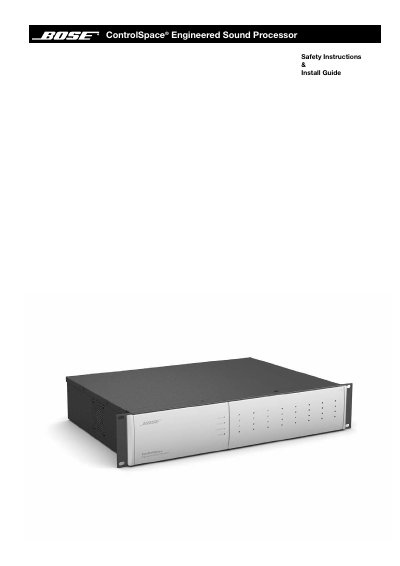
This guide provides safety instructions and installation steps for the Bose ControlSpace Engineered Sound Processor. It covers rack mounting, ventilation, power connections, and front/rear panel features. The processor supports expandable audio configurations and can be controlled via PC software over Ethernet. Safety warnings include avoiding moisture, heat sources, and improper electrical connections.
| Audio Input Channels | 8 (selectable mic or line) |
|---|---|
| Audio Output Channels | 8 |
| Maximum Channels | 64 |
| Rack Space Required | 2 x 1.75" (4.4 cm) |
| Power Indicator | Green = Power on, Red = Fatal error |
Avoid moisture, heat sources, and block ventilation. Do not defeat safety plugs or overload outlets. Unplug during lightning or long-term storage.
Use the supplied Ethernet crossover cable to connect your PC’s Ethernet port to the ESP’s LAN port. The PC’s Link LED should illuminate and the Ethernet LED on the ESP should be green.
Do not allow the chassis to exceed 35°C.