
EIZO FlexScan S2411W-U Color LCD Monitor User's Manual

介绍了EIZO NANAO CORPORATION的Monitor的使用说明书
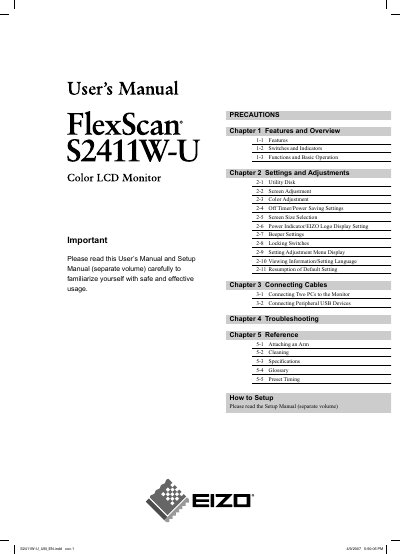

EIZO FlexScan S2411W-U Color LCD Monitor User's Manual - cover page
Brand
EIZO
Category
Monitors
Document type
User Manual
Language
English
Pages
42
File format
PDF
File size
1.3 MB
Published
18 October, 2023
Updated
18 October, 2023
MD5 checksum
07300E34D3831A7B1C67A00EC19F5D4D

About this manual

The EIZO FlexScan S2411W-U is a color LCD monitor. This User's Manual covers features and basic operation, settings and adjustments, connecting cables, troubleshooting, and reference information. A separate Setup Manual covers initial setup.

The manual also includes safety precautions, LCD panel care notes, and reference sections on attaching an arm, cleaning, specifications, glossary, and preset timing. It warns about proper placement, power cord handling, ventilation, and handling the monitor.

What's inside

  • Features and Overview
  • Switches and Indicators
  • Functions and Basic Operation
  • Screen Adjustment
  • Color Adjustment
  • Connecting Two PCs to the Monitor
  • Connecting Peripheral USB Devices
  • Troubleshooting
  • Attaching an Arm
  • Specifications

Specifications

Effective pixel ratio99.9994% or higher
Backlight mercury contentContains mercury

Frequently asked questions

What should I do if the monitor emits smoke, smells like something is burning, or makes strange noises?

Disconnect all power connections immediately and contact your dealer for advice.

How should I disconnect the power cord?

Grasp the plug firmly and pull it.

What is the percentage of effective pixels on the LCD panel?

It is 99.9994% or higher.

What should I do when the screen becomes dark or begins to flicker?

Contact your dealer.

Download PDF (1.3 MB)

More EIZO Manuals


View all EIZO manuals →