
This is a user's manual for the EIZO screen slicer software, which introduces the installation and use of the software
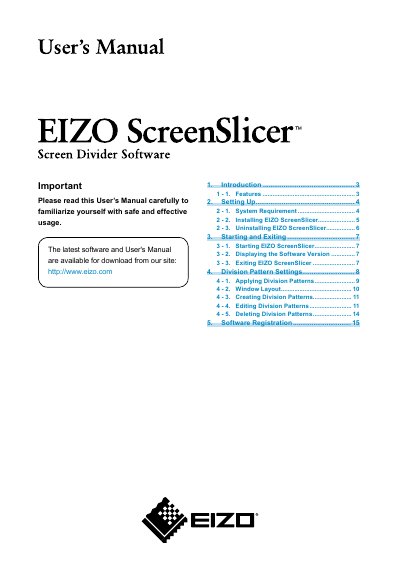
EIZO ScreenSlicer is software that divides a screen and lays out multiple windows. It supports division patterns, multi-monitor settings, and software registration; registered windows can be laid out on a registered frame when the software starts again, and Internet Explorer URLs can be registered as well.
The manual describes system requirements for Windows 8.1, Windows 8, Windows 7 Service Pack 1, and Windows Vista Service Pack 2, and lists FlexScan, ColorEdge, RadiForce, and FORIS series monitors. It also covers installation from the EIZO LCD Utility Disk or downloaded file, uninstallation, starting and exiting, displaying the software version, and division pattern settings. Eight patterns are preset, and another five patterns can be added.
| Supported operating systems | Microsoft Windows 8.1 (32 bit and 64 bit); Microsoft Windows 8 (32 bit and 64 bit); Microsoft Windows 7 Service Pack 1 (32 bit and 64 bit); Microsoft Windows Vista Service Pack 2 (32 bit and 64 bit) |
|---|---|
| Compatible monitor series | FlexScan series, ColorEdge series, RadiForce series, and FORIS series monitors |
| Preset division patterns | Eight |
| Additional division patterns | Five |
It starts automatically when you log on to the PC.
Eight patterns are preset, and another five patterns can be added.
Right-click the EIZO ScreenSlicer icon in the notification area and click “About...”.
Open Control Panel, select EIZO ScreenSlicer from the program list, and click “Uninstall”.