
This document is about the setup manual for the monitor. It mainly introduces the installation, use, maintenance and troubleshooting of the monitor.
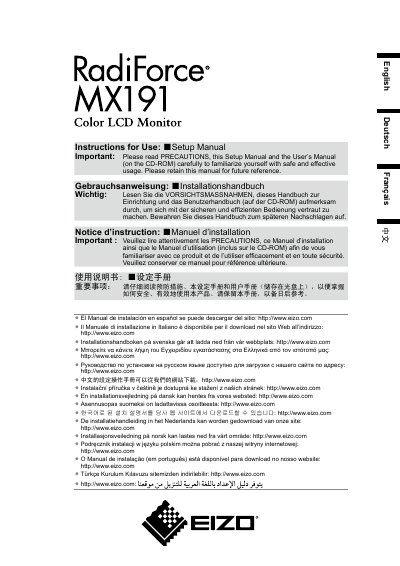
The EIZO RadiForce AX191 Setup Manual is the installation guide for the RadiForce AX191 color LCD monitor. It explains package contents, controls and functions, compatible resolutions and frequencies, and the caution statement locations, and instructs users to read the PRECAUTIONS, Setup Manual, and User's Manual on the CD-ROM for safe and effective use.
The manual covers connecting the monitor and PC with the appropriate signal cable, connecting USB when using RadiCS LE or ScreenManager Pro for Medical, plugging in power, turning on the monitor and PC, adjusting screen height and angle, installing RadiCS LE, selecting a CAL Switch display mode, and troubleshooting no-picture problems.
| Input signal connectors | DVI-D connector and D-sub mini 15-pin connector |
|---|---|
| USB port (Up) | For software that requires a USB connection |
| Recommended analog resolution | 1280 x 1024 VESA at <75 Hz |
| Recommended digital resolution | 1280 x 1024 VESA at 60 Hz |
It has a DVI-D connector and a D-sub mini 15-pin connector for input signals.
The resolution table marks 1280 x 1024 VESA at 60 Hz for digital input.
Check the power indicator and connections, press the power button, and switch the input signal; if the problem persists, contact your local dealer.
RadiCS LE for Windows is included; the manual says to install it with reference to the RadiCS LE User's Manual on the CD-ROM.