
This manual provides operating instructions for the TDS-110 ultrasonic thickness gauge
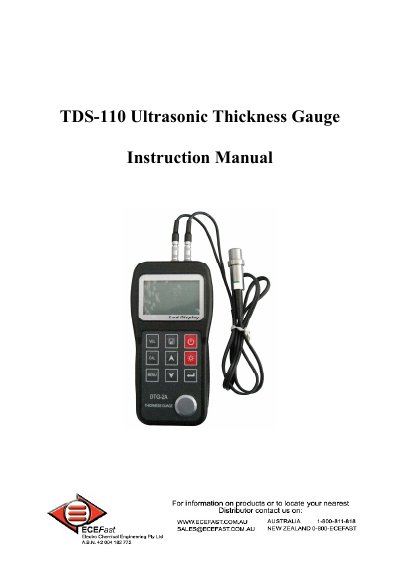
This manual provides step-by-step instructions for operating the TDS-110 ultrasonic thickness gauge, including setup, calibration, and measurement procedures. It details the device’s specifications such as measuring range (0.75mm–300.0mm), display resolution, and power source. The guide also explains how to handle different materials, adjust sound velocity, set alarm limits, and maintain the instrument for accurate readings.
| Display | 128×64 LCD with LED backlight |
|---|---|
| Measuring Range | 0.75mm~300.0mm (0.03inch~11.8 inch) |
| Sound Velocity Range | 1000m/s~9999m/s (0.039~0.394in/µs) |
| Display Resolution | 0.01mm or 0.1mm (lower than 100.0mm) 0.1mm (more than 99.99mm) |
| Accuracy | ±(0.5%Thickness +0.02)mm |
| Units | Metric/Imperial unit selectable |
| Power Source | 2pcs 1.5V AA size batteries |
| Communication | RS232 serial port |
| Outline Dimensions | 150mm ×74mm×32mm |
| Weight | 238 g |
| Memory | Up to 5 files (up to 100 values each) |
Press the VEL key to enter the sound velocity state. Use the or keys to adjust the value and press VEL to save it.
The measuring range is 0.75mm to 300.0mm (0.03inch to 11.8 inch).
Press MENU, move cursor to ALARM, use or to set new low or high limits, then press VEL, MENU, or start measuring to exit.
It can measure metals, plastics, ceramics, composites, epoxies, glass, and other ultrasonic wave well-conductive materials.