
Key facts
- Manuals
- 1
- Languages
- ZH
- Last added
- 2026-09-28
Featured TDS manuals
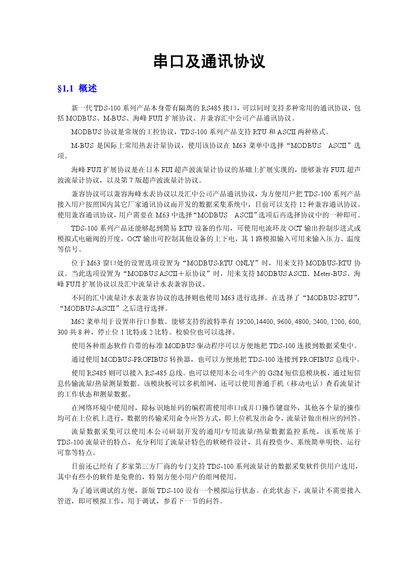
TDS-100 Series Ultrasonic Flowmeter Communication Protocol Manual
The TDS-100 series provides an isolated RS485 interface and supports multiple common communication protocols, including MODBUS (RTU and ASCII), M‑BUS, the FUJI extension protocol and 12 compatible third‑party protocols. It also offers configuration of serial parameters, baud rates, and optional GSM or PROFIBUS connections.
The document contains detailed MODBUS register tables, daily/monthly/yearly accumulation data structures, power‑off data handling, a key‑code table for remote operation, and programming examples for VB integration. Frequently asked questions address common connection issues, data format errors, and how to enable the simulated run mode for testing without a sensor. This manual is written in Chinese.
Covers: Overview · Communication Protocols · FAQ · MODBUS Register Address Table · Daily Accumulated Data · Monthly Accumulated Data
Latest TDS manuals
TDS-100 Series Ultrasonic Flowmeter Communication Protocol Manual
User Manual 25 pages · 289 KB · ZHThis manual describes the serial interfaces and supported communication protocols for the TDS-100 ultrasonic flowmeter/heat meter.
Which document do I need?
User Manual
Day-to-day operation, settings and troubleshooting. Start here if the product is already set up.
Questions answered in TDS manuals
Why does the flowmeter not respond after connection?
Check that the serial parameters match, the protocol selection in the M63 window is correct, the physical wiring is proper, the address in the M46 window is set correctly, and power‑cycle the device to receive the "AT" character.
From: TDS-100 Series Ultrasonic Flowmeter Communication Protocol Manual
How can I enable the simulated run state for testing?
Enter a value of 0 in the M11 window to start the simulated run mode, which sets a fixed flow speed and allows testing without a sensor.
From: TDS-100 Series Ultrasonic Flowmeter Communication Protocol Manual