
The Hemiview User Manual introduces the software's functions and usage methods.
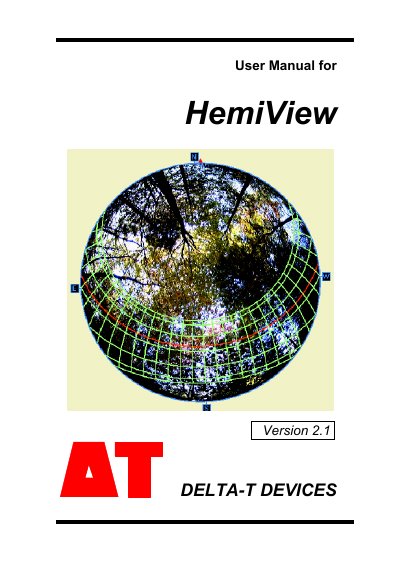
This manual provides step-by-step instructions for installing and using HemiView 2.1, a Windows-based program for analyzing hemispherical photographs. It includes tutorials on image acquisition, classification, and calculation of site factors and leaf area index. The guide also covers field protocols for capturing images and case studies on solar radiation regimes and canopy analysis.
The software supports multiple image formats and offers tools for overlaying skymaps and sunmaps. It is designed for researchers and field users in environmental science and forestry, with detailed technical specifications and system requirements for optimal performance.
| Supported Image Formats | BMP, JPEG, PCX, TIFF, TARGA, Photo CD |
|---|---|
| Calculation Speed | Less than one minute for computation on a Pentium computer |
HemiView supports BMP, JPEG, PCX, TIFF, TARGA, and Photo CD formats.
HemiView is a Windows-based program designed for convenient image analysis of hemispherical photography.
HemiView supports BMP, JPEG, PCX, TIFF, TARGA, and Photo CD formats.
Minimum 16 Mbytes of RAM is required.