
This manual introduces the basic operating methods and precautions for the HH2 type soil moisture meter.
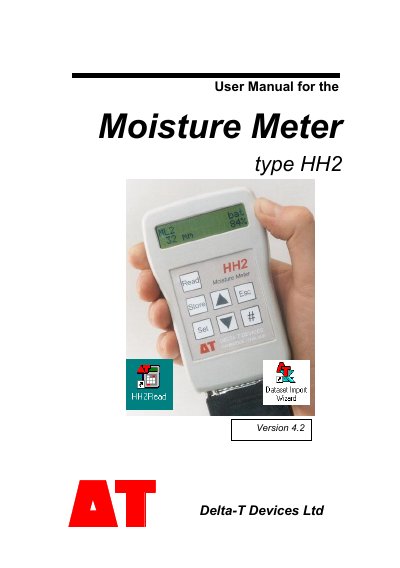
The Delta-T Devices HH2 is a portable moisture meter designed to read and store measurements from various Delta-T soil moisture sensors, including ThetaProbes, SM series sensors, Profile Probes, Equitensiometers, and WET sensors. The device displays raw data in millivolts (mV) or converts it into engineering units such as soil wetness, water deficit, and conductivity based on selected soil parameters. It features a 25-pin D connector for direct sensor connection and supports data retrieval via RS232 cable to a PC using the HH2Read software.
| Compatible Sensors | ThetaProbe (ML1, ML2, ML3), SM series (SM150, SM150T1, SM200, SM300), Profile Probe (PR1, PR2, PR2 SDI-12), Equitensiometer (EQ2), WET sensors |
|---|---|
| Battery Type | 1 x PP3 Alkaline |
| Connector Type | 25-pin D Connector |
| Display | LCD with 2 rows of 16 characters |
| Included Software | HH2Read |
The meter will go to sleep to conserve battery power when it is not used for 1 minute.
Press the Esc key once to wake the meter or reject an option and return to the previous menu.