
This manual introduces the software configuration and use of Dresser Micro Series Volume Converter Model MC2-197 PTZ.
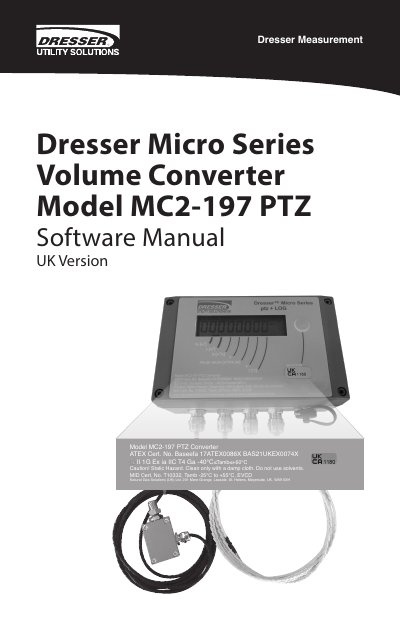
This manual provides step-by-step instructions for installing and operating the Dresser Micro Series Volume Converter Model MC2-197 PTZ. It covers connecting the device to a PC, configuring settings like temperature, pressure, and volume calculations, calibrating sensors, and managing data logs. The device is designed for use with Roots meters and other pulse-output meters to measure gas volume under live conditions. Safety guidelines for hazardous environments are included, especially for intrinsically safe installations.
The software, called MCUT, allows users to configure, calibrate, and monitor the converter remotely or via direct connection. It supports logging of parameters and audit trails for billing integrity. The manual also details communication settings, including GSM and GPRS options, and troubleshooting for faults and alarms.
| ATEX Certification | Baseefa 17ATEX0086X |
|---|---|
| MID Certification | T10332 |
| Software Version | Version 3.0.0.0 or higher |
Windows 95, 98, 2000, ME, NT4, XP, 7, 8, 8.1, and 10. Windows XP or higher required if using internal PC modem.
Use the 9-way D-type connector on the communications cable (AW169) to connect to the PC’s serial port. If no serial port is available, use a Serial to USB adapter.