
Diebold Nixdorf UTD Universal Touch Driver Linux (DNL) User Manual

This manual describes the installation, use and configuration of Diebold Nixdorf Universal Touch Driver Linux (DNL).
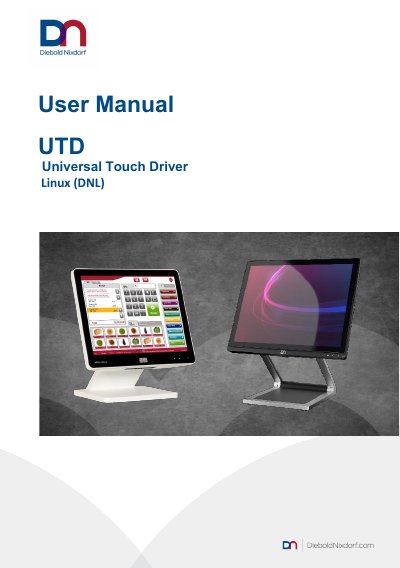

Diebold Nixdorf UTD Universal Touch Driver Linux (DNL) User Manual - cover page
Brand
DIEBOLD NIXDORF
Document type
User Manual
Language
English
Pages
28
File format
PDF
File size
689 KB
Published
18 October, 2023
Updated
18 October, 2023
MD5 checksum
F18CBC6FF5EBFC2ED0B64EE76CF0DAE2

About this manual

This manual guides users through installing and configuring the UTD Universal Touch Driver for Linux (DNL), supporting various Diebold Nixdorf touch screens and controllers. It covers device setup, daemon configuration, calibration, and troubleshooting steps. The driver supports multiple touch modes, beep settings, and edge acceleration. Version 2.3.3 includes support for D2xxx displays and Xorg compatibility.

What's inside

  • Introduction
  • Used Symbols
  • Identification of the Driver Version
  • Identification Of Touch Monitors
  • Installation of the Touch Driver on DNL 1
  • The Touch Driver in Detail
  • Mapping Tool
  • Calibration Tool
  • Additional Configuration File
  • Driver Version History

Frequently asked questions

What operating system does this manual cover?

This manual applies to the Universal Touch Driver for DNL 1.

How do I identify the installed driver version?

Run the command rpm -qi dntouch dntouch-support dntouch-udev to identify the installed driver version.

Download PDF (689 KB)

More DIEBOLD NIXDORF Manuals


View all DIEBOLD NIXDORF manuals →