
This document is the user manual of Milli-Q Synthesis and Milli-Q Synthesis A10
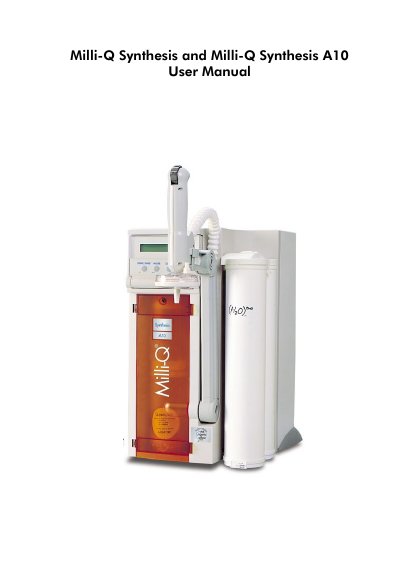
This manual serves as a guide for the installation, normal operation, and maintenance of the Millipore Milli-Q Synthesis and Milli-Q Synthesis A10 Water Purification Systems. It includes instructions on using the keypad and LCD, safety information, and contacting Millipore support. The document emphasizes that internal maintenance should be performed solely by Millipore service technicians.
| Voltage | 230V, 50 Hz |
|---|---|
| Current | 0.26 Amps |
| Grounding | Earth grounded power supply |
All internal maintenance or part replacements are to be solely performed by Millipore service technicians.
The POWER LED is green and is lit when the Water System microprocessor has electrical power.
A flashing SERVICE LED indicates a service type of LCD message is displayed, such as EXCH. CARTRIDGES.