
Brainboxes ED-588, ED-516, ED-538, ED-527 Using Modbus TCP

Brainboxes products use the Modbus TCP protocol
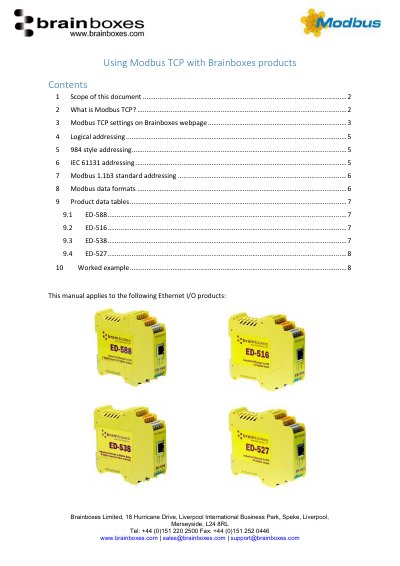

Brainboxes ED-588, ED-516, ED-538, ED-527 Using Modbus TCP - cover page
Brand
Brainboxes
Document type
User Manual
Language
English
Pages
8
File format
PDF
File size
955 KB
Published
18 October, 2023
Updated
18 October, 2023
MD5 checksum
454A6A07D45E74D797E668EC918B9441

About this manual

This document explains how to configure and use Modbus TCP with Brainboxes Ethernet I/O products. It covers protocol basics, addressing styles (logical, 984, IEC 61131, and Modbus 1.1b3), data formats, and device-specific settings for ED-588, ED-516, ED-538, and ED-527. Users can access the Modbus settings via the device’s web interface, adjusting TCP port, idle timeout, and max connections.

The guide also details how to interpret Modbus data tables and address types, including coils, discrete inputs, input registers, and holding registers, with examples for each addressing scheme.

What's inside

  • Scope of this document
  • What is Modbus TCP?
  • Modbus TCP settings on Brainboxes webpage
  • Logical addressing
  • 984 style addressing
  • IEC 61131 addressing
  • Modbus 1.1b3 standard addressing
  • Modbus data formats
  • Product data tables
  • Worked example

Frequently asked questions

What is the default TCP port for Modbus TCP on Brainboxes ED products?

The default TCP port is 502.

Download PDF (955 KB)

More Brainboxes Manuals


View all Brainboxes manuals →