
This manual introduces the installation, operation and maintenance of Arctic AI brand refrigerators and freezers
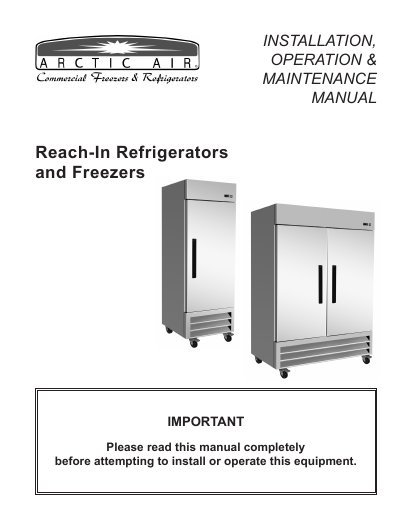
This manual provides step-by-step instructions for installing, operating, and maintaining Arctic Air reach-in refrigerators and freezers. It covers site preparation, electrical connections, leveling, and maintenance tasks such as cleaning the condenser coil and replacing doors. Safety warnings are included for electrical work and maintenance procedures.
The document also includes wiring diagrams for models AR23E, AR49E, AF23, and AF49, along with specifications and alarm codes. It emphasizes proper ventilation, floor strength, and clearance requirements to ensure optimal performance and safety.
| Refrigeration Cycles | Defrost cycle every 6 hours |
|---|---|
| Unit Weight | Up to 1500 pounds |
Every 6 hours, the unit turns off and the controller displays the defrost symbol.
Inside the unit on the left-hand side near the top on the wall.