
This is a user manual for sleep apnea therapy software
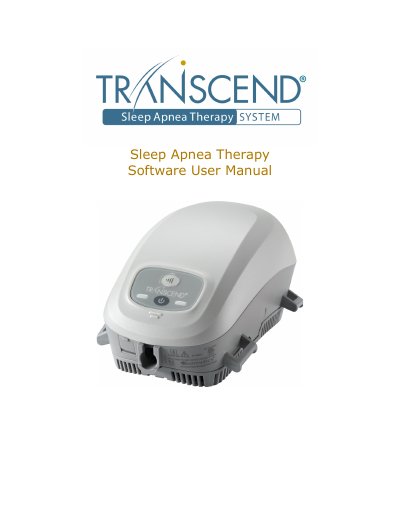
This manual provides step-by-step instructions for installing and using the Sleep Apnea Therapy Software on Windows systems. It covers system requirements, installation procedures, viewing and sending compliance data, handling device faults, and exiting the program. The software is designed for both patients and clinicians to manage therapy settings and data.
Key features include language selection, USB connection requirements, and email functionality for sending compliance reports and fault logs to clinicians. The manual also includes notes on compatibility, administrator privileges, and potential antivirus interference during installation.
The software requires Windows XP, Windows 7 (32-bit or 64-bit), or Windows 8 (32-bit or 64-bit), an available USB port, 512MB of RAM, and video settings of at least 1024 x 768 with 32-bit color.
You can launch the software by selecting Start > Programs > Somnetics > Sleep Apnea Therapy Software > Sleep Apnea Therapy Software, or by double-clicking the software icon on your desktop.
On the Patient screen, click Email Device Fault Log to Clinician. The program will display a Fault Log screen. Attach the fault log file to an email and send it to your provider’s email address using the on-screen instructions.
When launching the software with a device in a fault state, a fault message will appear. Hold down the power button on the device to clear the fault. You may need to unplug and replug the device after resetting.