
This manual describes the functionality of the Transcend® Sleep Apnea Therapy Software, which allows users to customize their own treatment plans.
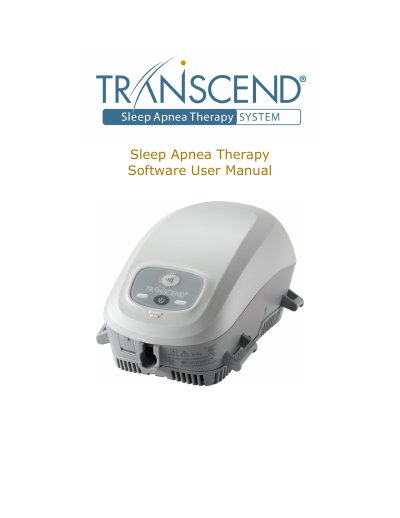
The Sleep Apnea Therapy Software is intended for use by patients and clinicians to view compliance data, manage device settings, and retrieve device fault logs. The program allows users to view, set, or modify therapy data and send compliance reports to clinicians via email.
This guide covers the installation procedure, system requirements, and common procedures for using the software. It includes instructions on how to launch the program, view compliance data, adjust data in reports, and reset device faults.
| Operating System | Windows 7 (32-bit or 64-bit), Windows 8 (32-bit or 64-bit), or Windows 10 (32-bit or 64-bit) |
|---|---|
| RAM | 512MB |
| Video settings | 1024 x 768, and at least 32-bit color |
No, you must have administrator privileges to install the software, update it, or restore the patient database.
Windows 7 (32-bit or 64-bit), Windows 8 (32-bit or 64-bit), or Windows 10 (32-bit or 64-bit).