
This document introduces the configuration methods of testo Saveris 2.
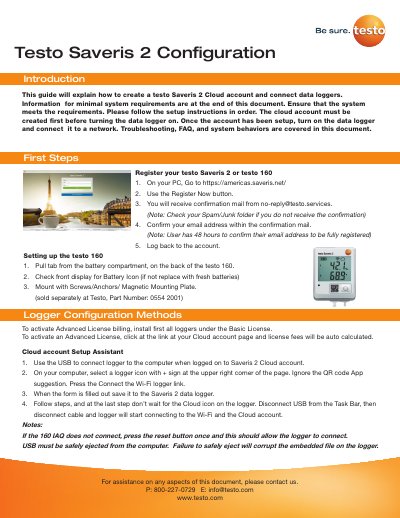
This document serves as a configuration introduction for the Testo Saveris 2 Cloud system, specifically covering the setup of data loggers such as the testo Saveris 2 and testo 160. It details the process of creating a cloud account, activating licenses, and connecting devices via Wi-Fi or USB methods. The guide also provides instructions for using the Cloud account setup assistant to configure the logger directly from a computer.
The testo Saveris 2 / testo 160 work only on 2.4 GHz Wi-Fi.
The logger is attached to another account; you must log in, select the logger details, press Deactivate, and then Remove Data Logger.
Press and hold down the control key for more than 20 seconds until the display goes blank.
The most common reason for this error is low battery.