
testo EasyKool Software User Manual

EasyKool Software User Manual
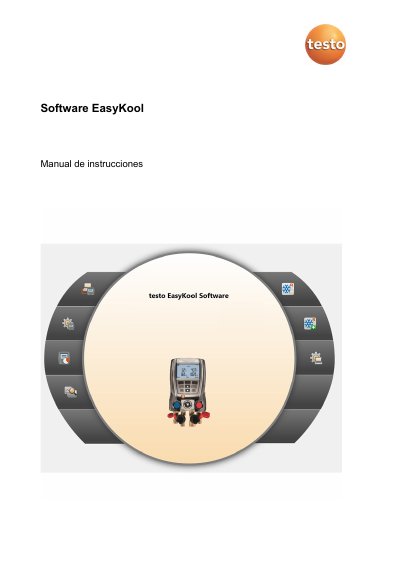

testo EasyKool Software User Manual - cover page
Brand
testo
Category
Other Electronics
Document type
User Manual
Language
Spanish
Pages
24
File format
PDF
File size
1.2 MB
Published
17 October, 2023
Updated
17 October, 2023
MD5 checksum
F65565D11394C2870D33A14C53E54E22

About this manual

The testo EasyKool Software is a configuration and evaluation tool designed to expand the functionality of testo 556, testo 560, and testo 570 measurement instruments. It allows users to configure instruments via software, manage client and plant data, and import/export measurement data directly to the devices. The software also supports the generation of measurement protocols, data recording, printing, and adding comments to measurement values. This manual is written in Spanish.

What's inside

  • Indicaciones sobre este manual
  • Requisitos del sistema
  • Instalar el software/driver
  • Iniciar el software
  • Utilización del producto
  • Menu Pagina inicial
  • Menu de Ajustes
  • Menu Instrumento
  • Menu Archivo
  • Menu Gestion de refrigerantes

Specifications

Compatible Instrumentstesto 556, testo 560, testo 570
Operating SystemWindows 7, Windows 8, Windows 10
Interface RequirementUSB 1.1 or higher

Frequently asked questions

What are the system requirements for the software?

The software requires Windows 7, 8, or 10 and a computer with a USB 1.1 or higher interface.

What operating systems does the testo EasyKool software support?

Windows 7, Windows 8, and Windows 10.

What must be done to start the testo EasyKool software on Windows 7?

Double-click the program icon on the desktop.

Download PDF (1.2 MB)

More testo Manuals


View all testo manuals →