
This is a software user manual, which introduces the usage of testo IRSoft software.
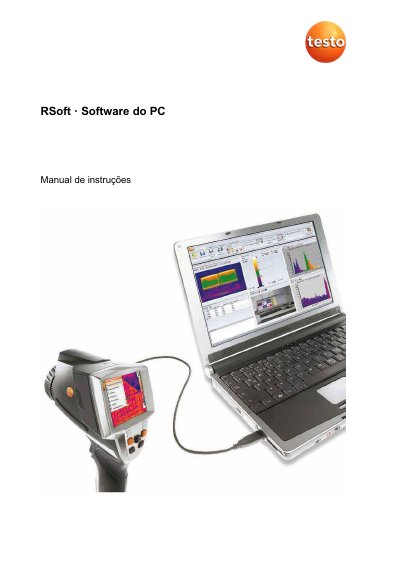
This manual explains how to install, configure, and use Testo IRSoft software for analyzing infrared images. It covers importing images, editing properties, creating reports, and managing connected thermal cameras. The software supports Windows 8 and 10 and requires USB 2.0 or higher.
The guide includes troubleshooting tips for common issues such as failed installations, unrecognized devices, and incorrect image displays, with step-by-step solutions for each problem. This manual is written in Portuguese.
| Operating Systems | Windows® 8 (32 bit / 64 bit), Windows® 10 (32 bit / 64 bit) |
|---|---|
| USB Requirement | USB 2.0 or higher |
| Minimum CPU | Intel Core i3-2310M 2.1 GHz, Intel Pentium Dual Core E2220 2.4 GHz, or AMD Athlon 64 X2 4400+ |
| RAM | 4 GB |
| Available Disk Space | 3 GB |
| Graphics | DirectX 9c |
| Video Streaming Frequency | Maximum 25Hz |
Use a 64-bit OS, a dedicated graphics card with local memory, and avoid running analysis tools during recording to ensure maximum performance.
Check the USB connection, ensure the device is powered on, and verify that the Import Assistant is enabled in the Camera tab. If needed, manually install the driver using the specified Windows path.