
testo 175 data recorder user manual, introduces how to use data recorder, safety use, product maintenance, cleaning instrument and other content
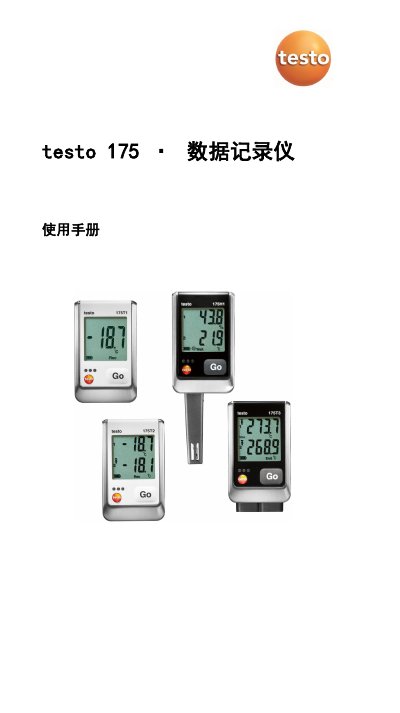
This manual provides instructions for using Testo 175 data recorders, including safety guidelines, setup steps, operation, and maintenance. It covers models T1, T2, T3, and H1 with technical specifications and troubleshooting tips. The device records temperature and humidity data and connects via USB or SD card to Testo Comfort Software for analysis. This manual is written in Chinese.
| Measurement Range (T1) | -35 to +55 °C |
|---|---|
| System Accuracy (T1) | ±0.5 °C |
| Battery Type | 3 x AAA batteries or AAA micro batteries |
| Protection Rating | IP65 |
| Dimensions (T3) | 89 x 53 x 27 mm |
| Weight | 130g |
| Storage Capacity | 1 million measurements |
The SD card does not have enough free space. Remove the SD card, clear the storage space, and copy the data.
An error occurred while storing data to the SD card. Remove the SD card, clear the storage space, and copy the data.
The recorder has not recorded any data and is in Wait mode. Remove the SD card and wait until the recorder is in Rec mode.