
This manual provides instructions for using the testo 635 humidity/temperature/pressure dew point measuring instrument.
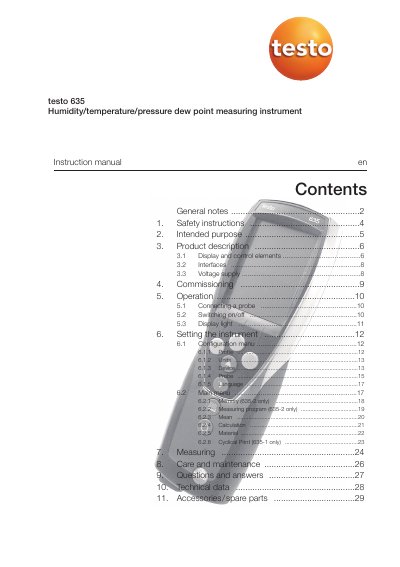
This manual provides step-by-step instructions for safely operating the Testo 635 measuring instrument, including commissioning, connecting probes, switching on/off, and configuring settings. It also covers safety precautions, intended use, and maintenance. The device measures temperature, humidity, and pressure dew point for applications like HVAC and compressed air systems.
The manual includes detailed descriptions of the instrument’s display, control buttons, interfaces (infrared, USB, probe sockets), and voltage supply options. It also explains how to use the instrument’s memory, measurement programs, and cyclical printing features, with specific guidance for models 635-1 and 635-2.
| Measuring Functions | Temperature, humidity, pressure dew point |
|---|---|
| Intended Applications | Measuring room climate, regulating HVAC, measuring dew point in compressed air, material moisture observation |
It measures temperature, humidity, and pressure dew point for applications like HVAC, compressed air systems, and material moisture observation.
Yes, but only in countries where they are Type Approved, and a radio module (accessory part) is required.
Press the power button to switch on; if it’s the first time or after a power interruption, the Language function will open.