
This document is a user manual for testo Comfort Software Basic 5. It introduces the software's usage methods.
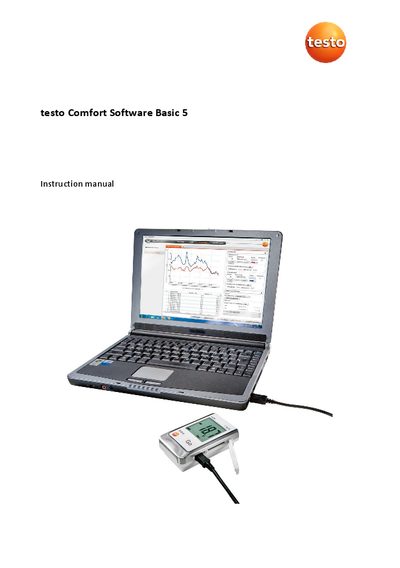
This document is the instruction manual for the testo Comfort Software Basic 5, a program designed for saving, reading out, and analyzing measurement data from testo Test Data Loggers. The software runs on Windows 10 and 11 and requires a USB 2.0 or higher interface to connect instruments to the PC.
The guide details the initial setup process, including downloading and installing the software and drivers. It explains how to start the application, configure settings such as language, and connect various data logger models via USB. Users are instructed on how to import measurement data, evaluate it using diagrams and tables, and export reports in formats like HTML or Excel.
| Operating system | Windows 10, Windows 11 |
|---|---|
| Interface requirement | USB 2.0 or higher |
| Explorer requirement | Explorer 9.0 or higher |
| HTML export limit | 50,000 measured values per file |
| XLS export limit | 650,000 per Excel file |
If you have not yet issued an individual password, enter 'testo'.
Check if the instrument is switched on, check the connecting cable, ensure it is supplied with power, and verify the COM port connection.
The characters !, ?, *, :, and \ cannot be used in location and folder names.