
This manual provides an overview of the basic functions and operations of testo Comfort Software Basic 5.
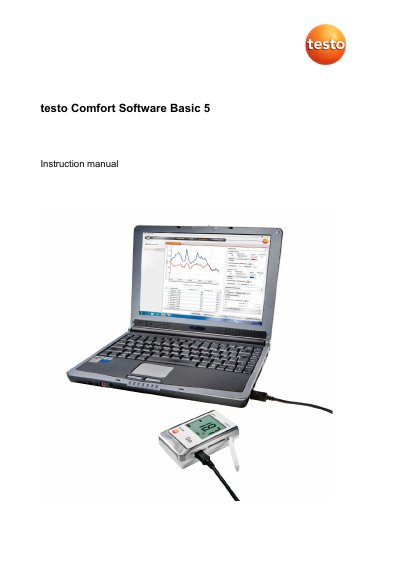
This document provides instructions for the testo Comfort Software Basic 5, a program used to save, read out, and analyze measurement data from testo data loggers. It covers system requirements, installation steps for Windows 7 through 10, and initial setup procedures including user account creation and password management.
The guide details how to connect instruments via USB, configure settings, import measurement data files, and evaluate results using diagrams and tables. It also explains how to export data in various formats (HTML, XLS) and send reports via email, along with troubleshooting tips for connection issues.
| Operating System | Windows 7, 8, 8.1, 10 |
|---|---|
| Interface Requirement | USB 2.0 or higher |
| Explorer Requirement | Explorer 9.0 or higher |
| Data Export Limit (HTML) | 50,000 measured values per file |
| Data Export Limit (XLS) | 650,000 per Excel file |
The software serves the purpose of saving, reading out and analysing individual readings and measurement series, with graphical presentation as the main task.
Check if the instrument is switched on, verify the connecting cable, ensure it is supplied with power, and confirm it is connected to the right COM port.
Yes, you can choose the desired language via the Settings menu and click Save to apply the change.